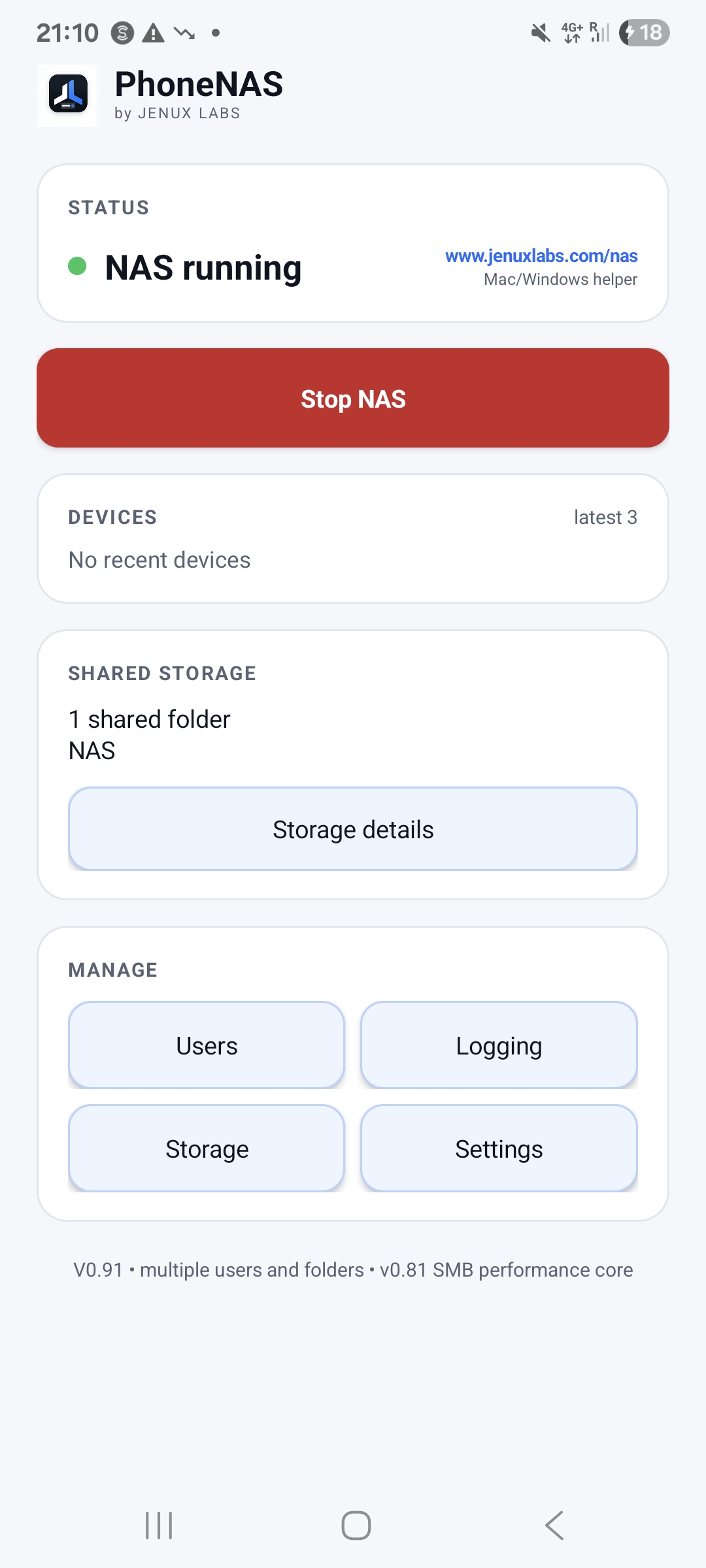
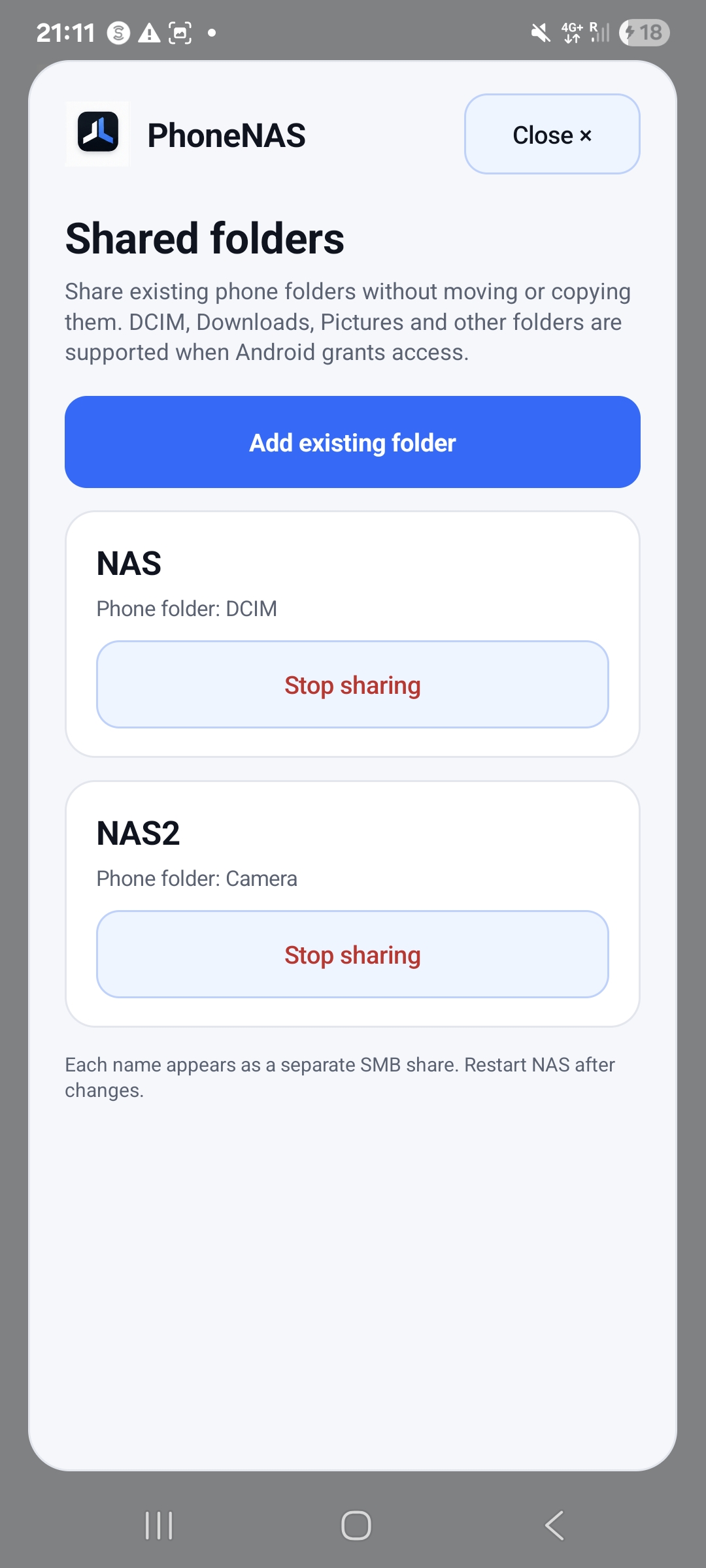
Choose the folders
Create named shares for the storage you select. Attached drives depend on the phone and Android’s storage permissions.
 JENUXLABS
 PhoneNAS
Turn selected folders on an Android phone or attached drive into network shares. Open them from your computer with familiar SMB tools.
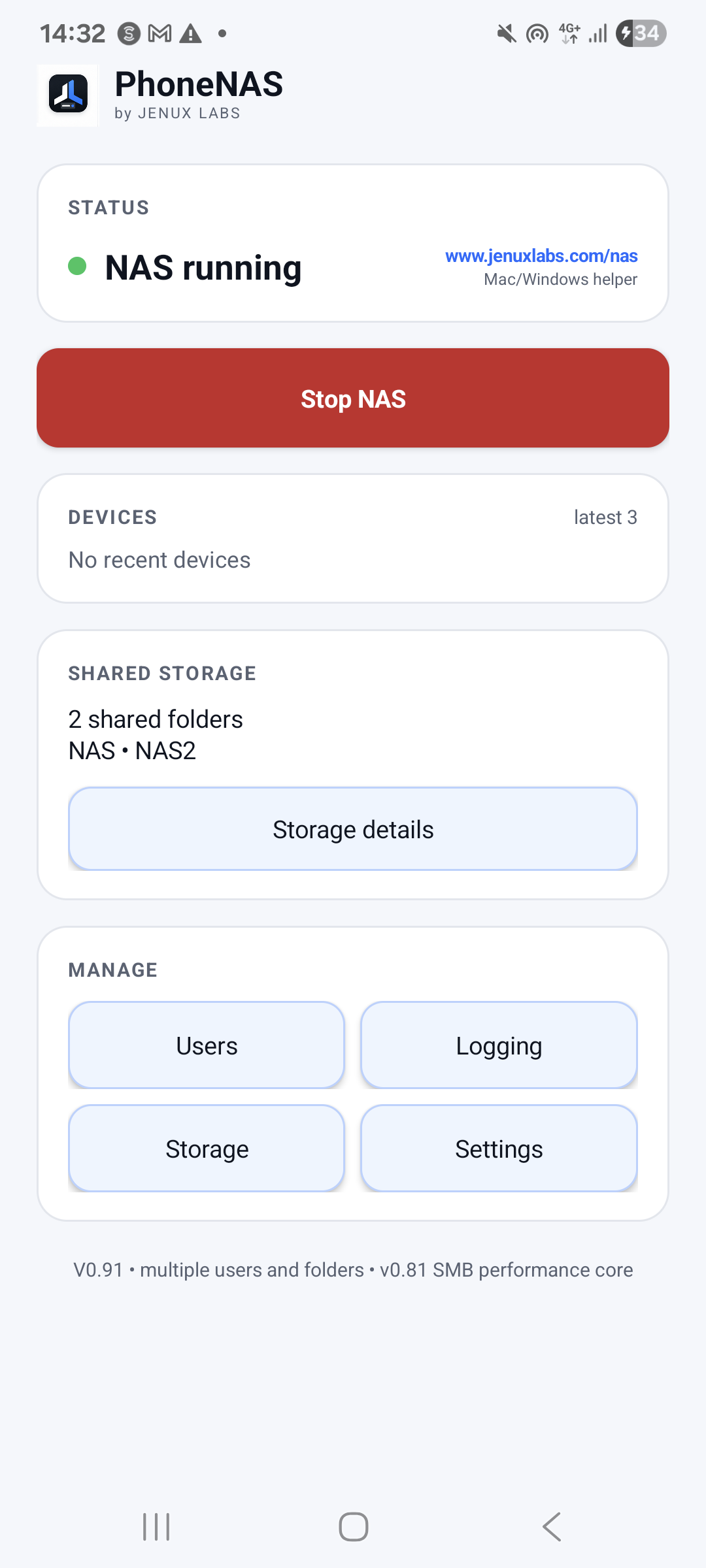
Create named shares for the storage you select. Attached drives depend on the phone and Android’s storage permissions.
Named users, share permissions and optional home folders keep access explicit.
Use your computer’s network tools, or the optional Mac helper for discovery and a convenient Finder entry.
GET PHONENAS
1.0.5 (1005) submitted to testing review · availability depends on Google Play
Google Play testmacOS 13+ · Intel + Apple silicon · Developer ID signed & Apple-notarized
Download Mac helperThe Mac helper is optional and relays SMB locally while running. Use the server address shown by PhoneNAS for direct access. Keep SMB and web-management ports off the public internet.
A CLOSER LOOK
Appearance may vary by version.